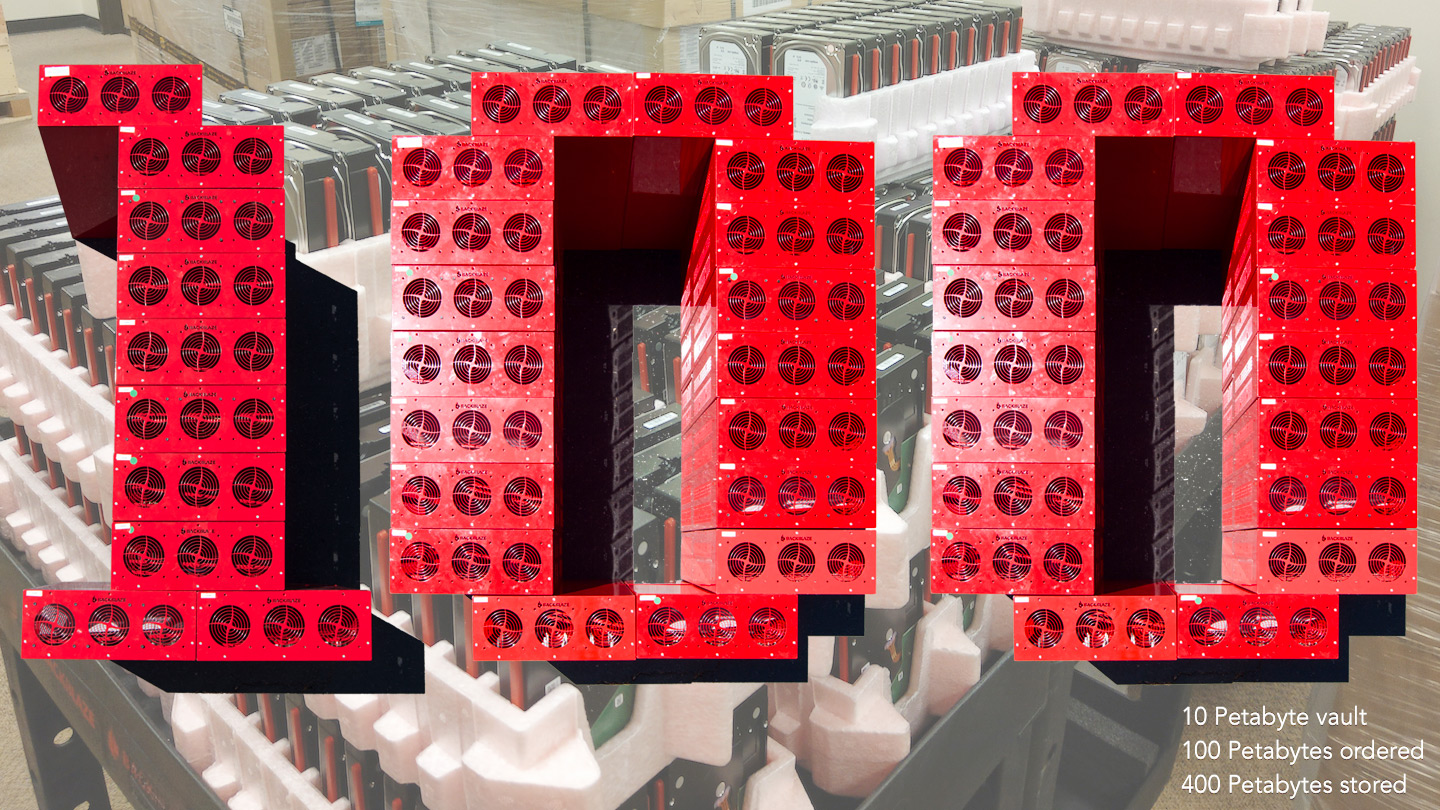
The Growth in Cloud Storage Continues: 400 Petabytes of Storage
Cloud storage continues to grow everyday. Backblaze recently passed 400 Petabytes of data stored in the cloud.
Backblaze Blog | Cloud Storage & Cloud Backup
187 points · by _jcwu · 9y ago · 142 comments
I chatted with support and they said this is normal. That progress may jump to completed any time because the restore only tracks file count.
I wish I could say I’m happy about this but I’m four days into trying to pull down my data and I still have no idea when I’ll be able to start the download.
This sucks.
I checked into it, and we think your restore is slow for several reasons:
1) Lots of tiny files (we are fixing this in a rewrite literally this week)
2) It landed on a slow restore server. (We are planning on decommissioning that server soon because it is 8 years old and slow.)
We have the technology to move your restore to a faster restore server. However, the restore experts here tell me your restore is actually 90% through the part that would speed up, so they recommend just "let it run". I really really hope it will be finished and ready for you in the next few days.
If you need some of your files any faster, I think you should prepare several smaller restores. It turns out that if you prepare four restores, each one 25% as large as the original, the four restores will complete 4x faster because they are prepared by four separate servers.
You can create up to 10 simultaneous ZIP restores, and they are totally free, so feel free to spin up a few more restores even if they overlap with the original large 1.1 TByte restore.
Please reach out to me again if your restore isn't ready by Tuesday (October 10th).
Btw, unlike parent comment, I had a great experience with the restore and couldn't be happier with the decision to go with backblaze.
Email me Hn <at> strapr.com if you want more details
The problem started when I decided to upgrade to High Sierra. The upgrade was catastrophic for this configuration of Mac Pro. I have been on the horn with an Apple Senior Advisor within Apple Enterprise Support who has escalated my specific issues to Apple Engineering. I decided to roll back but in the process of restoring the machine from the time machine backup the locally attached drive failed.
Apple has yet to tell me if they will even support the Apple RAID controller even though this version of the Mac Pro is listed as compatible. In the meantime I need to get back up and running. This is why I pay for a cloud backup in addition to having a local backup.
Fortunately, I also have a MacBook Pro laptop that I keep a duplicate copy of some of the data on.
My productivity will not take a hit.
It's just that most people are not me and it seems like it should not take more than four days to create a restore so that I can download my data.
A bug in a script I wrote in .net, was supposed to iterate through a list of network directories to delete (all starting with \\SERVERNAME\) and ended up iterating through the characters of the first item in that list ("\").
That's how I learned that in Windows, "\" means the root of the current drive, and that deleting all files from a drive on an SSD only takes seconds...
Good luck, hopefully you can get everything back in order before the weekend is over.
Note: They recently released a new website and software version that's supposed to address some of these issues but fool me once and all...
All the data is encrypted and spread throughout our datacenters. So we fetch each file and decrypt it (with the password you provided when kicking off the restore).
If this is less than 1 GByte it is instantaneous. But if it is a TByte of data, it takes a few hours to decrypt and add to the ZIP file.
1. Why is the data being decrypted server-side instead of client-side? The server should be sending the encrypted data to the client, and the password should never leave the client machine.
2. Why are zip files being created? The client software should be receiving the data and writing the files directly to the selected restore directory.
e.g. this is how restore works with CrashPlan, and it only takes a few seconds to begin the process. Files are written directly to the selected output directory.
Two things missing from them in my opinion 1) a Linux client and 2) a second location
I guess I could get away without a Linux client if there was an unRAID plugin for B2.
With my luck, the first time I need to be able to quickly restore a full dataset or something, it will probably have been well worth it and I'll likely be kicking myself for not doing it.
affiliate link: https://billing.time4vps.eu/?affid=1881
Cheaper then backblaze in most situations and you get a full linux host.
Could you link some source? I'm also backing up my linux machines with them and would prefer to plan ahead.
Some info here: https://www.theregister.co.uk/2017/08/23/crashplan_ends_cons...
B2 is priced at a sustainable point for them, so that's your best option for other use cases-- it's only $5/TB*mo!
https://blog.eogn.com/2017/08/22/crashplan-is-shutting-down-...
The Backblaze numbers seem to support this as well, far fewer failures of HGST drives vs Seagate, but they seem to buy mostly Seagate. I guess when you have tens of thousands of drives, you're always going to need to be replacing them. So maybe a 10x reduction in failures isn't worth it? Or maybe they just couldn't get HGST drives in quantity?
No power on/off cycles, no physical impacts to worry about (even most desktops occasionally get bumped into), but non-stop operation and presumably near continuous read/write operations.
You'll likely get different failure patterns as a result.
I thought it would be more like: continuous writes until full, and then likely a handful of reads for the rest of that drive's life.
Also you want to buy from a wide range - if most of the drives come from one place and they have a manufacturing disaster that causes everything made in one month to fail a few months into use then that might take you too close to redundancy requirements for comfort. I would expect the range picked will be based on individual design (platter design, platter layout, controller type, ...) rather than per manufacturer - maybe HGST has fewer designs available at any one time and that tips the balance a bit.
Or is every pod constantly in use? Would it help if smart algorithms repartition the data on storage pods, to optimize power use?
> Have you ever computed how much power you would save if you turned them off when not needed?
Electrical power is a gigantic part of our datacenter bill (like 60%). However, we cannot really ever turn off the hard drives.
If they were powered down, it would take too long to retrieve data. It would be like Amazon Glacier where it can take 15 minutes to get a single image back.
> is every pod constantly in use?
The way we built it, yes. If one user deletes a backup or unsubscribes from the Backblaze service, it frees a little bit of space on pods all over the datacenter. So we allow some other customer to use that space up as soon as we can.
We also use ALL the pods in the datacenter to give us "breadth" to accept data faster. This is particularly helpful on surges of new customers due to a press event, or if a competitor like CrashPlan decides to exit the market.
The ones provided in the „My Account“ page are an absolute nightmare.
Look at services like Stripe or Digitalocean and make them downloadable as PDF. Best case: send them out via email or auto-upload to specific Dropbox folder.
Or rather, if I have 10TB on a NAS and a Linux machine, what would it cost to back that up to Backblaze as a consumer given that you don't support this and I'd need to purchase the business thing?
I recently trimmed down my Backblaze licenses after switching to Linux installs, just went with s3 as s3cmd had a path of least resistance to storing backups. Would love to switch back if it's ever possible :)
But if youre using S3, just switch to B2, its per GB pricing, much cheaper than S3 and supports lots of Linux tools. I use rclone.
I thought B2 was like S3 and figured that Business Backup was what I needed.
TIL.
> I thought B2 was like S3
It is. Backblaze actually has two separate product lines:
1) Online Backup for $5/month/computer where you have to use our client we wrote with all of it's policies. This is widely targeted at "ease of use" type customers. There is a free feature inside of "Online Backup" called "Groups" where one person can pay for many others. You can use this for a business, we absolutely do NOT charge differently just because it is a business. Or you can use "Groups" to pay for a family, or whatever. "Groups" is free, we honestly don't care if you use it or not.
2) Backblaze B2 - this is "object storage for half a penny per GByte per month". There are MANY clients available for you to choose from, you can see a list on this page: https://www.backblaze.com/b2/integrations.html The idea here was many people kept approaching Backblaze saying they needed to store stuff cheaply, but didn't want to use our client, or maybe it wasn't "backup" they needed but to host live images on a website on the internet, stuff like that. So we built an API anybody can program to. https://www.backblaze.com/b2/docs/
Most of the anti-vibration tech is straight forward, like the fans aren't bolted to the chassis, they are held by rubber rivets, and we have slowly but steadily improved the "pressure" that drives are held in place to limit failures, etc.
From time to time, a fan will "half fail" causing large vibrations which can massively increase drive failures in the rack that bad fan is in.
What is louder? The fans or all the disks together? I had a workstation with 6 spinning disks and that was already quite loud.
Yes. We have already dropped B2 prices once, and the expectation is we'll probably be dropping them regularly as our cost per GByte drops.
> What's it like having to flip such a massive switch...
What's amusing is the switch is tiny (just one constant in a json table) and but the fallout is massive. But realistically we have a business strategy of not making egregious profits, so we only drop prices when our margin is too high.
Jeff Bezos of Amazon once said, "Your margin is my opportunity." Well, Jeff's margin is Backblaze's opportunity. :-) We survive and thrive because Amazon is being too greedy and marking up their storage (and outbound bandwidth) by way too much.
What do you mean "stay competitive?"
When we started 10 years ago, we could only afford to rent a quarter of one cabinet at the datacenter at 365 Main Street, San Francisco. We had "right of first refusal" on the rest of the cabinet we occupied. We could pile all of the hard drives ever deployed in that cabinet on my kitchen table.
Now it is semi trucks filled with fork lift pallets of drives. But it just "snuck up on us". Each day it was a little larger, each drive order was just slightly larger than the previous.
Back during the hard-drive crisis after the tidal wave that disrupted production ... they were buying from anyone that had drives to sell, including people going into their local big-box store to source drives.
So the question would be, In unit of Backblaze, what are the size for Amazon, Apple, Google, Facebook?