172 points · by cunidev · 4y ago · 64 comments
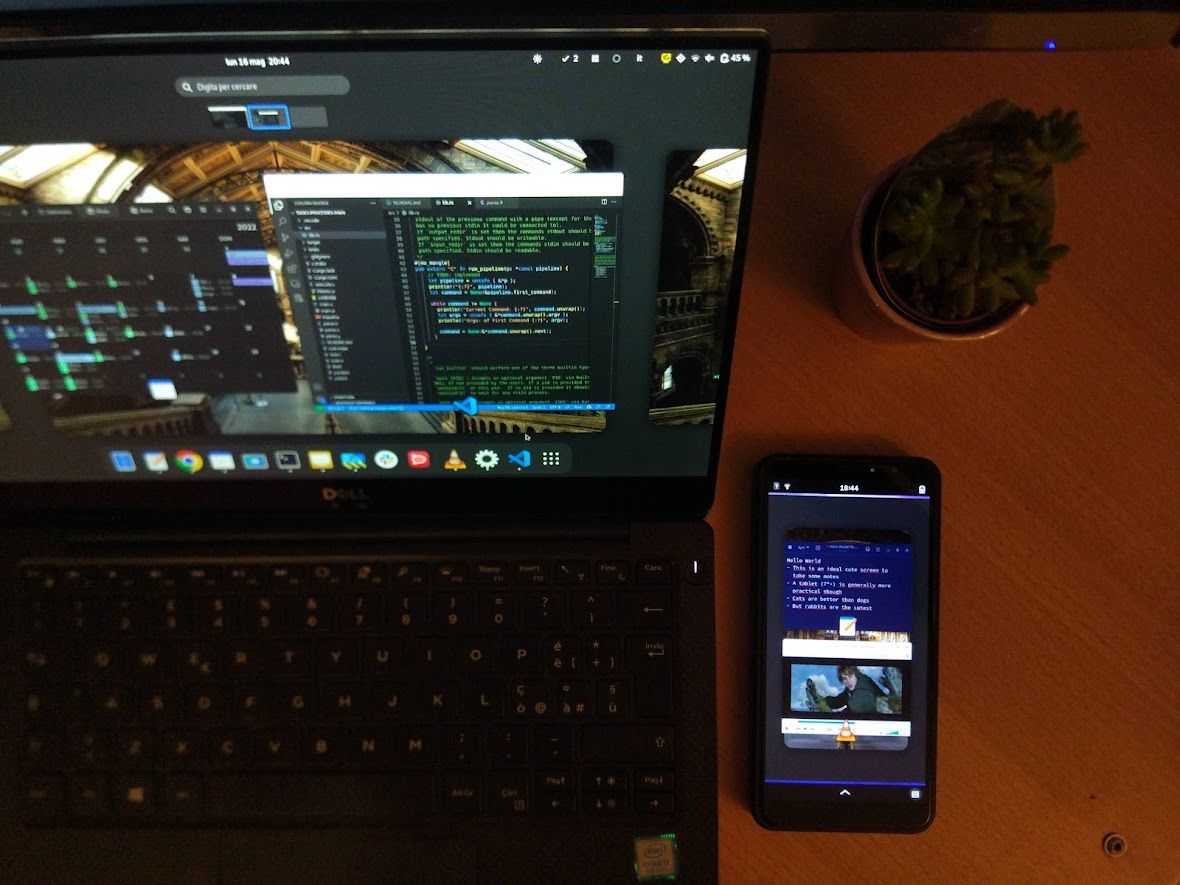
To use Xpra as part of a secondary monitor solution, you might need to define a "dummy" window region for it, and I suspect X server can be configured to allow this but I don't know how yet.
I'm interested in any solutions for Linux secondary monitor devices too, especially more simple ones.
Edit: kbumsik link below uses xrandr to add a new display region and then uses x11vnc with a "clip" argument. I couldn't see such an argument for xrandr.
If Google had forced everyone to use the aboot boot loader and to allow rooting, we wouldn't be in this damn mess of people using all kinds of highly questionable stuff.
I am, of course, talking about the USA. I believe EU law forbids cellular carriers from being so thickheaded.
In fact, the biggest problem for me isn't the lack of HW encoding, it is the lack of HW decoding because it makes 60fps videos on YouTube unplayable.
I think it'd be cool if you could use a cell phone as a mouse. You'd have a mount that holds the back of the phone slightly off the table, and the phone would track its position using the IMU and maybe motion tracking with the camera. The phone display could show a subregion of the monitor and you could click by tapping the phone screen.
The hack is here: https://github.com/any1/wayvnc/issues/7#issuecomment-6570922...
Benefits are: two way interaction :)
In my mind, i wish for KDE Connect to eventually evolve to enable something like this...KDE Connect is already a wonderful piece of software!
It would be great if there would be out of the box support for wireless displays on Linux.
No wishing necessary. Before apple sherlocked the idea with sidecar there have been multiple apps that let you do that and are (somewhat) cross-platform (Luna display, duet, ...). These apps are still around and much better than the apple one for specialized use cases like art, they cost money though.
Or, if you don't need high speed, just go the simple vnc route, e.g.
It's a little stub that plugs into an HDMI port trick the OS into rendering a separate screen. Then there are a lot of apps that let you display/interact with that virtual screen, usually through some kind of browser. Acts exactly like any monitor you plug in, regardless of OS.
It seems silly to need hardware for this, but it's a very clean/stable way to do this without mucking with config files or using weird hacks.
Nvidia users are out of luck in my experience.
You can also multi-boot using kexec (using Linux to boot other Linux image) or just by booting into initramfs that has a GUI program for selecting how to continue boot (which root filesystem to start from), etc.
Would be even neater if I could stream music to the phone's sound system from my desktop.
Mpd seemed to work better.
This is why SirCmpwn was right, and the anti-Wayland crowd needs to just shut up. Wayland+Pipewire is the future of remote desktop. Together they solve issues X11 by its nature cannot solve.
Maybe there wouldn't be a substantial antiwayland crowd if wayland proponents hadn't started saying that when wayland was an impractical mess years from being ready back in 2015-2017
Offering a superset of functionality in a prominent option without major downsides might have worked too.
At least it would have worked better than offering limitations and telling people to shut up and deal with it.
The Wayland debate is like the global-warming debate: on one side are the experts, and on the other side are grognards and reactionaries.
I think telling people to shut up is a fast way to shut down valuable discussion. We can have good discussions about the value of particular technologies without being uncivil. Having strong opinions makes it easy to be unkind (especially online). I admit I also struggle with this. I think everyone could dial it down a bit from time to time.