Install Wordpress on Linux in 5 Seconds - Tech Blog (wh)
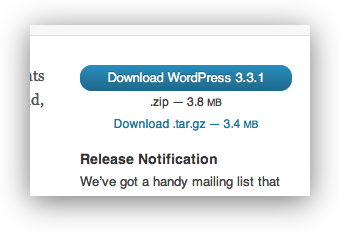
WordPress is available on WordPress.org in two formats, `.zip` and `.tar.gz`: I wanted an option to download and extract WordPress as easily as possible. I had looked for a way to do this with the `zip` format but apparently > Archives read from standard input are not yet supported, except with funzip (and then only the first member of the archive can be extracted). (source So, my solution was to use WordPress’ `latest.tar.gz` file and pipe it (`stdin/stdout`). Running the following command will create a `wordpress` folder in your current working directory with all files: wget -O – http://wordpress.org/latest.tar.gz | gzip -c -d | tar -x Notes: wget -O – //send output to stdout, use – before the URL gzip -c -d //read from stdin, decompress tar -x // extract, could probably also use -v to verify Related Posts:No Related Posts
Tech Blog (wh)