167 points · by spansoa · 3y ago · 81 comments
If it wasn't for my test suite, things would have been a giant mess long ago and I probably would have abandoned it. I can't think of doing a react project without a test suite because over time, any dependencies you have (including on react) will end up breaking things in ways that you don't know. Without those tests, you can't be sure of upgrades... which you're forced to do because your users will want to do things like upgrade react.
So... any project like this... in order for me to ever add it to my own project or depend on it in any way, really needs a test suite.
The test suite for this project is pretty much non-existent, which is a huge bummer should should be a huge red flag for anyone who thinks about using it. You're just going to end up with broken code.
The nature of a personal project is such that I may not come back to it for months, sometimes even years. The first thing I always do is run the test suite. It's my lodestar. It helps me understand what state the project is in so I can confidently pick up where I had left it.
It is also my requirements documentation - as code.
I'd rather dole out incomplete MVP's with tests and fewer features than to skip tests entirely just to hit crazy timelines with a buggy product. Experience says this almost always has positive long term results.
Some are simple (although very few are as simple as your example) and some are complex, depending on the portion of the app being tested. Some are basically integration tests for components/widgets, where it runs it in isolation to test the inputs and outputs. Others are more like traditional unit tests where it's purely testing business logic, API and model interactions (mocked), form validation logic, etc.
Unless you're talking about very simple client apps, there's always stuff that can be tested that will provide significant business value by preventing bugs and broken code from getting to end users
You haven't written one yourself? Is your theory that since you can't write one, they aren't possible?
All my tests are good enough to ensure that if I upgrade a library or change underlying functionality, something breaks if the output is not expected. That is my primary concern and that is what I test for.
But for components, that call some of those hooks and then render some JSX, I've never been able to write a test that found a bug later on. Every single time one of them failed, either the change made was so large that the whole build failed to compile anyway, or it was because there was new desired behaviour and the test needed changing, not the code.
If a type of test doesn't help find bugs, it's a waste of space.
You can check:
https://youtu.be/BQqzfHQkREo https://youtu.be/OVNjsIto9xM&t=28m06s https://youtu.be/VvLocgtCQnY
You're right on the point of using another low code solution though... it still opens you up to dependency issues. You might also want this as a product with its own skinned UX/UI that you have full control over. Third party 'commercial' products won't always give that to you.
`@testing-library/react` and jest to run it. snapshots and a bunch of action code too.
There are more modern frameworks now too that can be used for integration tests, but I haven't bothered yet as the snapshots have almost always caught the issue.
It boggles my mind that react.dev doesn't start off teaching, with writing tests.
Then it happens again. And again...
Eventually you're left pulling in this huge library with 2MB of CSS just for the four components you're still using from it. Then a new dev joins the team and gets to enjoy the confusion of "should i use $library component here? Or do we have another wrapper for it? or is there something else entirely being used for it?".
Just avoid the hassle and stick with a curated list of well fleshed out individual components that are tested and have thousands of stars each. Create a barebones wrapper over it to match your design system, and call it a day.
While component libs like this can be used for consumer-facing UI, when we talk about "dashboards" it's also often backoffice admin panels.
You shouldn't be reaching for hand-writing UI design & logic in that scenario. You should be looking for an admin panel interface tool. Laravel has these in spades: Nova, Backpack, and Filament are the big three. You write some code and some logic tied to it, and the tool creates the UI for you. This lets you get back to writing code for the actual customers instead of for business processes.
These can be used for consumer facing panels too, but with less control over the design, they're not really intended for it.
But the JS ecosystem insists on being fragmented, so everything is rewritten manually.
"Batteries included" needs a lot more than just batteries (the UI components).
The server is a very simple node/express app and the front end is written in vanilla javascript. I also use GitHub's primer css (https://github.com/primer/css) and a heavily stripped down version of tabler's css (https://github.com/tabler/tabler)
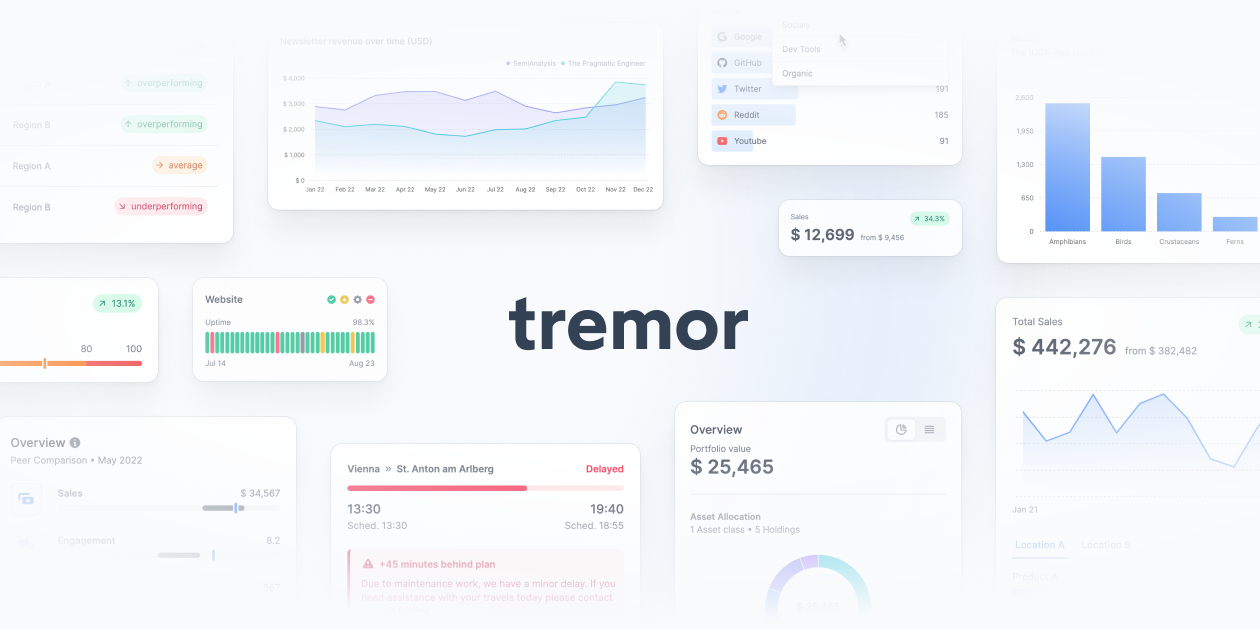
Note, DevBoard is more geared towards hackers, so Tremor's is probably a much better fit if you are looking for an out of the box solution.
* Ant design pro (https://github.com/ant-design/ant-design-pro/) * Material Dashboard React (https://github.com/creativetimofficial/material-dashboard-re...) * Volt React (https://github.com/themesberg/volt-react-dashboard)
Anyone have more suggestions?
Then when I came back to the home page and searched for "license", I confirmed it says "Apache-2.0 license" in light-grey, small font in the middle of the page.
Feature request: I wish the table supported basic sorting and maybe even filtering out of the box, I find these useful in the dashboard context. Perhaps I’m not seeing it, or maybe there’s a way to add this easily?