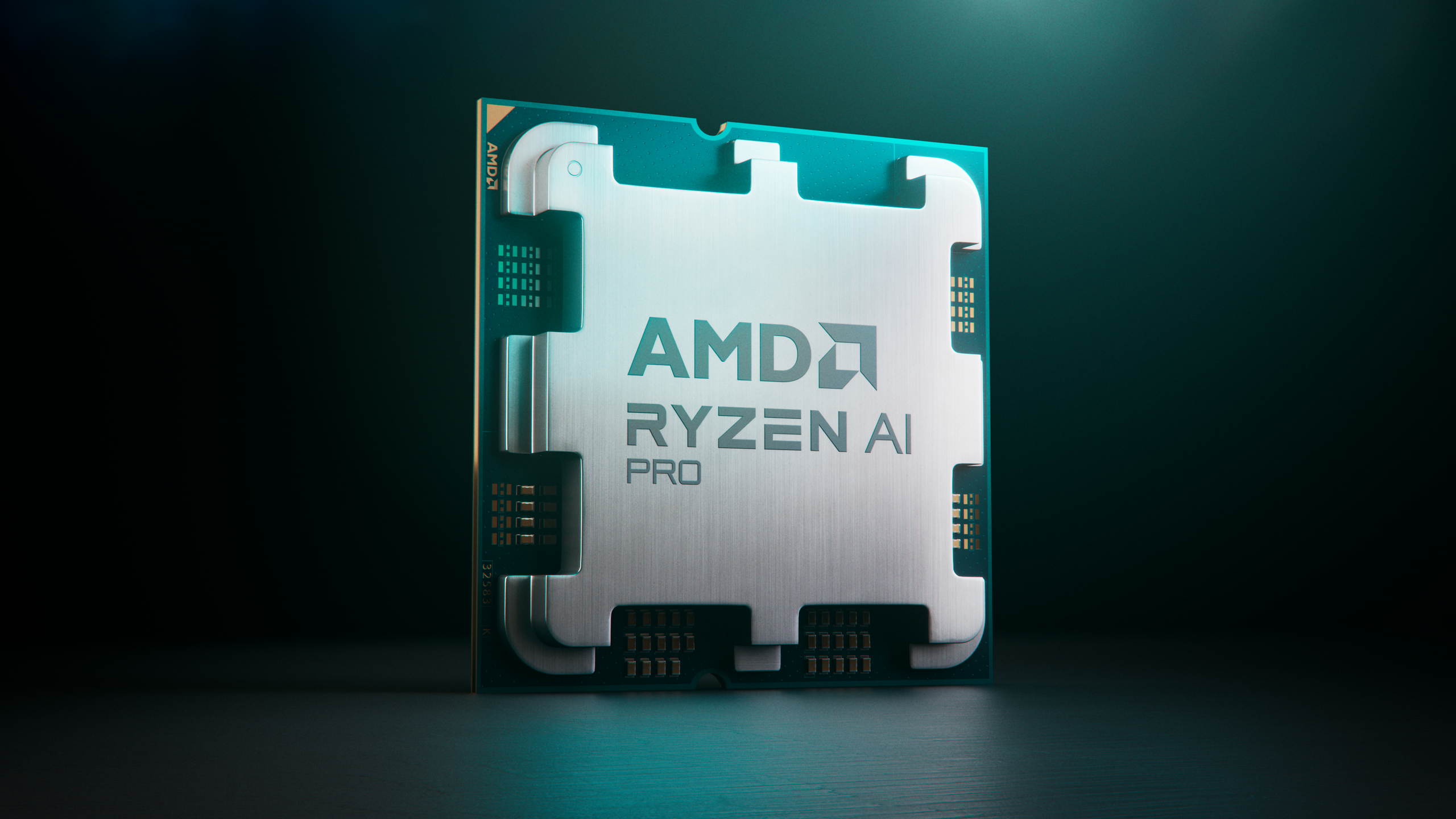
AMD unveils Ryzen Pro 8000-series processors — Zen 4 and AI engines come to the commercial market
AMD is the first with a Pro desktop PC chip with an NPU for AI workloads.
Tom
172 points · by thm · 2y ago · 135 comments
It's great to see NPUs here with the new Ryzen cores - but I wonder how effective they will be with off-die memory versus the Apple approach.
That said, it's nothing but great to see these capabilities in something other then a expensive NVIDIA card. Local NPUs may really help with edge deploying more conferencing capabilities.
Edited - sorry, ,meant on-package.
That's not what "unified memory model" means.
It means that the CPU and GPU (and ANE!) have access to the same banks of memory, unlike PC GPUs that have their own memory, separated from the CPU's by the PCIe bottleneck (as fast as that is, it's still smaller than direct shared DRAM access).
It allows the hardware more flexibility in how the single pool of memory is allocated across devices, and faster sharing of data across devices. (throughput/latency depends on the internal system bus ports and how many each device have access to)
The Apple M-Series chips also has the memory on-package with the CPU (technically SoC, "System-on-Chip"), but that provides different benefits.
CPUs don't really care about memory bandwidth until you get to extreme core counts (Threadripper/Xeon territory). Mainstream desktop and laptop CPUs are fine with just two channels of reasonably fast memory.
This would bottleneck an iGP, but those are always weak anyway. The PC market has told users who need more to get a discrete GPU and to pay the extra costs involved with high bandwidth soldered memory only if they need it.
The calculation Apple has made is different. You'll get exactly what you need as a complete package. You get CPU, GPU, and the bandwidth you need to feed both as a single integrated SoC all the way to the high end. Modularity is something PC users love but doing away with it does have advantages for integration.
Not a CS guy, but it seems to me that NUMA like architecture has to come back. Large RAM on chip (balancing a thermal budget between #ofcores vs ram), a much larger RAM off chip and even more RAM through a fast interconnect on a single kernel image. Like the Origin 300 had.
PC HW split the video memory from system memory once GDDRAM become so much faster than system RAM, but GDDRAM has too high latency for CPUs and DDR has too low bandwidth for GPUs, so the separation made sense for each's strengths and still does to this day. Unifying it again, like with AMD's APUs, means either compromises for the CPU or for the GPU. There's no free lunch.
Currently AMD APUs on the PC use unified DDRAM so CPU performance is top but GPU/NPU perforce is bottlenecked. If they were to use unified GDDRAM like in the PS5/Xbox then GPU/NPU performance would be top and CPU performance would be bottlenecked.
I think the lunch here (it still ain't free) is that RAM speed means nothing if you don't have enough RAM in the first place, and this is a compromise solution to that practical problem.
The thing about bandwidth is that you can just make wider buses with more of the same memory chips in parallel.
I disagree. This is like pointing at a 2024 model hatchback and saying "old becomes new" because you can cite a hatchback from 50 years ago.
There's a bevy of ways to isolate or combine memory pools, and mainstream hardware has consistently used many of these methods the entire time.
  1: screenshot from[2]: https://www.igorslab.de/wp-content/uploads/2023/06/Apple-M2-ULtra-SoC-Geekbench-5-OpenCL-Compute.jpg
2: https://wccftech.com/apple-m2-ultra-soc-isnt-faster-than-amd-intel-last-year-desktop-cpus-50-slower-than-nvidia-rtx-4080/What does that do to your utilization?
I've been out of this space for a while, but in game dev any backwards information flow (GPU->CPU) completely murdered performance. "Whatever you do, don't stall the pipeline." Instant 50%-90% performance hit. Even if you had to awkwardly duplicate calculations on the CPU, it was almost always worth it, and not by a small amount. The caveat to "almost" was that if you were willing to wait 2-4 frames to get data back, you could do that without stalling the pipeline.
I didn't think this was a memory architecture thing, I thought it was a data dependency thing. If you have to finish all calculations before readback and if you have to readback before starting new calculations, the time for all cores to empty out and fill back up is guaranteed to be dead time, regardless of whether the job was rendering polygons or finite element calculations or neural nets.
Does shared memory actually change this somehow? Or does it just make it more convenient to shoot yourself in the foot?
EDIT: or is the difference that HPC operates in a regime where long "frame time" dwarfs the pipeline empty/refill "dead time"?
The fact a laptop can run 70B+ parameter models is a miracle, it's not what the chip was built to do at all.
Those comparisons are unreasonable in a sense, but they are implied by statements like GPs "Hence a lot of people in the local LLMA community are really going after high-memory Macs".
Most laptops with 64+GB of RAM can run a 70B model at 4-bit quantization. It’s not a miracle, it’s just math. M2 can do it faster than systems with slower memory bandwidth.
I have a gaming rig with a 4080 with 16GB of RAM and it can't even run Mixtral (kind of the minimum bar of a useful generic LLM in my opinion) without being heavily quantized. Yeah it's fast when something fits on it, but I don't see much point in very fast generation of bad output. A refurbished M1 Max with 32GB of RAM will enable you to generate better quality LLM output than even a 4090 with 24GB of VRAM and for ~$300 less, and it's a whole computer instead of a single part that still needs a computer around it. Compared to my 4080, that GPU and the surrounding computer get you half the VRAM capacity for greater cost than the Mac.
If you're building a rig with multiple GPUs to support many users or for internal private services and are willing to drop more than $3k then I think the equation swings back in favor of Nvidia, but not until then.
Which Mixtral? What does “heavily quantized” mean?
> A refurbished M1 Max with 32GB of RAM will enable you to generate better quality LLM output than even a 4090 with 24GB of VRAM
Not assuming the 4090 is in a computer with non-trivial system RAM (which it kind of needs to be), since models can be split between GPU and CPU. The M1 Max might have better performance for models that take >24GB and <= 32GB than the 4090 machine with 24GB of VRAM, but assuming the 4090 is in a machine with 16GB+ of system RAM, it will be able to run bigger models than the M2, as well as outperforming it for models requiring up to 24GB of RAM.
The system I actually use is a gaming laptop with a 16GB 3080Ti and 64GB of system RAM, and Mixtral 8x7B @ 4-bit (~30GB RAM) works.
Also as an anecdote, my daily driver machine is a bottom end M2 Mac mini because I am a cheap ass. I paid less than it for the 4070 card in my desktop PC. The M2 Mac does a dehaze from RAW in lightroom in 18 seconds. My 4070 takes 9 seconds. So the GPU is twice as fast but the mac has a whole free computer stuck to it.
I think a way for the m series chips to aggressively target GPU inference or training would need a strategy that increases the speed of the RAM to start to match GDDR6 or HBM3 or use it directly.
No idea what specifically everyone is pulling their performance data from or what task(s).
Here is a video to help visualize the differences with a maxed out m3 max vs 16gbm1 pro vs 4090 on llm 7B/13b/70b llama 2. https://youtu.be/jaM02mb6JFM
Here’s a Reddit comparison of 4090 vs M2 Ultra 96gb with tokens/s
https://old.reddit.com/r/LocalLLaMA/comments/14319ra/rtx_409...
M3 pro memory BW 150 gb/s M3 max 10/30 300 gb/s M3 max 12/40 400 gb/s
“Llama models are mostly limited by memory bandwidth. rtx 3090 has 935.8 gb/s rtx 4090 has 1008 gb/s m2 ultra has 800 gb/s m2 max has 400 gb/s so 4090 is 10% faster for llama inference than 3090 and more than 2x faster than apple m2 max https://github.com/turboderp/exllama using exllama you can get 160 tokens/s in 7b model and 97 tokens/s in 13b model while m2 max has only 40 tokens/s in 7b model and 24 tokens/s in 13b apple 40/s Memory bandwidth cap is also the reason why llamas work so well on cpu (…)
buying second gpu will increase memory capacity to 48gb but has no effect on bandwidth so 2x 4090 will have 48gb vram and 1008 gb/s bandwidth and 50% utilization”
That MacBook has an M3 Max and 64GB RAM.
I'd say it does live up to my expectations, perhaps even slightly exceeds them.
I like their APUs a lot. Using a 4800U in the cable tray under the desk to drive screens on which I'm writing this. One in a laptop for whenever I'm away from the desk.
If you're sufficiently determined the compute units on these things are totally usable for running arbitrary code. As in a program that spawns a bunch of threads to work stuff out could have some of those "threads" running on the GPU cores.
I wouldn't say the software stack is totally there for out of the box convenience. As in you'll be writing in freestanding ~C and maybe a bit of assembly. I got partway through implementing that and got sidetracked. The GPU libc in LLVM is roughly the production version of some of that hacking. Between these machines coming out and the MI300A landing I really should put something up on github which looks like a pthread_create that executes on the GPU instead.
I was kinda bummed out they released the 8000 series after I just bought a laptop with 7000 series, but I think I actually dodged a bullet here since it doesn't look like much of an upgrade and the AI silicone screams of very early first gen product to me, as if they rushed it out the door because everyone else was doing "AI" and they needed to also cash in on the hype, kinda like the first gen RTX cards.
I think by the time I'll actually upgrade, the AI/NPU tech would have matured considerably and actually be useful.
Over decades I have a growing antipathy towards products with too many features. Especially new versions/models where the vaunted features of the previous version/model seem to never have been used by anyone.
My favorite example is the story I got to live through of the first generations of consumer 64 bit CPUs.
When the first AMD Athlon 64 came out, everyone I knew was buying them because they though they were getting something totally future proof by jumping early on the 64 bit bandwagon, in 2003, when nobody yet had 4GB+ of RAM and neither Windows nor any software would see 64bit releases till several years later when Vista came out which everyone avoided and staid on Windows XP 32bit waiting for Windows 7.
And by the time RAM sizes over 4GB and 64 bit software became even remotely mainstream, we already had dual- and quad-core CPUs miles ahead of those original 64 bit CPUs which were now obsolete (tech progress back then was wild).
So just like how 64bit silicone was a useless feature on consumer CPUs, and like the first GPUs with raytracing, I feel like now we're in the same boat with AI silicone in PCs, no much SW support for them and when it does come, these early chips will be obsolete. It's the price of being an early adopter.
This is entirely the fault of the OEMs though, not AMD. It is activated on mine for example. But pretty much unusable under Linux at the moment (unless you're willing to run a custom kernel for it[0].)
Not true. AMD can demand how OEMs integrate and use their chips in their products as part of the sales agreement, same how Nvidia does.
AMD could have said to every system integrator buying 7000 series chips and up, that the NPU must be active in the final product.
So if the end products suck, AMD bares most of the blame for not ensuring a minimum level of QA with its integrators who release half-assed stuff since it all reflects poorly on them in the end. It's one of the reason why Nvidia keeps such a tight grip over its integrators on how their chips are to used.
But regardless, 16 TOPs is no good for LLMs. Though there is a Ryzen AI demo that shows Llama 7B running on these at 8 tokens/sec. A sub-par experience for a sub-par LLM.
https://github.com/amd/RyzenAI-SW/blob/main/example/transfor...
What this should tell you is that "15 TOPs" is an irrelevant number in this benchmark. There are exactly two FLOPs per parameter. Loading the parameters takes more time than processing them.
There are people with less than 8GB of VRAM and they can't load these models into their GPU and end up with the exact same performance as on CPU. The 12tflops of the 3060 Ti 8GB are "no good" for LLMs, because the bottleneck for token generation is memory bandwidth.
My Ryzen 2700 gets 7 tokens per second at 50 GFLOPs. What does this tell you? The NPU can saturate the memory bandwidth of the system.
Now here is the gotcha: Have you tried inputting very large prompts? Because that is where the speedup is going to be extremely noticeable. Instead of waiting minutes on a 2000 token prompt, it will be just as fast as on GPUs, because the initial prompt processing is compute bound.
Also, before calling something subpar, you're going to have to tell me how you are going to put larger models like Goliath 70b or 120b models on your GPU.
At release time, the windows driver for example included few video processing offloads used by Windows Frameworks used for example by MS Teams for background removal - so that such tasks use less battery on laptops and free up CPU/GPU for other tasks on desktop.
For higher end processing you can use the same AIE-ML coprocessors various chips available previously from Xilinx and now under AMD brand.
NPU seems to mean very different things depending on device/vendor
I'm sure there's some market segmentation thing at work here, but this just sounds like a Hallmark-holiday excuse to rehash an old press-release and pretend it's another revolution all over again.
Actually, the article says they were not available:
the Pro series is based on AMD's existing consumer-oriented processor models but comes with additional features
Laptop Ryzen = up to 8 cores (the 8000G are laptop CPUs in a desktop socket)
Even top of the line DDR5 is around 128GB/s vs a M1 at 400GB/s.
At the end of the day, it still seems like AI in consumer chips is chasing a buzzword, what is the killer feature?
On mobile there are image processing benefits and voice to text, translation... but on desktop those are no where near common use cases.
That says M1 is 68.25 GB/s
Especially since most desktop applications people use are web apps. Of the native apps people use that leverage this sort of stuff, almost all are GPU accelerated already (eg. image and video editing AI tools)
Maybe your local machine can run, I don't know, a model to make suggestions as you're editing a Google Doc, which frees up the Big Machine in the Sky to do other things.
As this becomes more technically feasible, it reduces the effective cost of inference for a new service provider, since you, the client, are now running their code.
The Jevons paradox might kick in, causing more and more uses of LLMs for use cases that were too expensive before.
Local context aware search
Offline Speech to text and TTS
Offline generation of clip art or stock images for document editing
Offline LLM that can work with your documents as context and access application and OS APIs
Improved enemy AI in gaming
Webcam effects like background removal or filters.
Audio upscaling and interpolation like for bad video call connections.
Already exists on all three major GPU manufacturers, and it definitely makes sense as a GPU workload.
> Local context aware search
You don't need an AI processor to do this, Windows search used to work better and had even less compute resources to work with.
> Offline Speech to text and TTS
See my point about not a very common use case for desktops & laptops vs cell phones.
> Offline LLM that can work with your documents as context and access application and OS APIs
Maybe for some sort of background task or only using really small models <13B parameters. Anything real time is going to run at 1-2t/s with a large model.
Small models are pretty terrible though, I doubt people want even more incorrect information and hallucinations.
> Improved enemy AI in gaming
See Ageia PhysX
> Webcam effects like background removal or filters.
We already have this without NPUs.
> Audio upscaling and interpolation like for bad video call connections.
I could see this, or noise cancellation.
Intel's bottom of the barrel N95 & N100 CPUs have Gaussian & Neural accelerators for simple image processing and object detection tasks, plus a voice processor for low power voice based activation and command capture and process.
You can always add more power hungry, general purpose components to add capabilities. Heck, video post processing entered hardware era with ATI Radeon 8500. But doing these things with negligible power costs is the new front.
Apple is not adding coprocessors to their iPhones because it looks nice. All of these coprocessors reduce CPU wake-up cycles tremendously and allows the device to monitor tons of things out of bands with negligible power costs.
> Local context aware search > You don't need an AI processor to do this, Windows search used to work better and had even less compute resources to work with. You could still improve it with increased natural language understanding instead of simple keyword. “Give me all documents about dogs” instead of searching for each breed as a keyword.
> Offline Speech to text and TTS > See my point about not a very common use case for desktops & laptops vs cell phones. Maybe not for you but accessibility is a key feature for many users. You think blind users should suffer through bad TTS?
> Offline LLM that can work with your documents as context and access application and OS APIs > Maybe for some sort of background task or only using really small models <13B parameters. Anything real time is going to run at 1-2t/s with a large model. > Small models are pretty terrible though, I doubt people want even more incorrect information and hallucinations. Small model have been improving and better capabilities in consumer chips will allow larger models to run faster.
> Improved enemy AI in gaming > See Ageia PhysX Surely you’re not suggesting that enemy AI is solved problem in gaming?
> Webcam effects like background removal or filters. > We already have this without NPUs. Sure but it could go from obvious and distracting to seamless and convincing.
> Audio upscaling and interpolation like for bad video call connections. I could see this, or noise cancellation.
> Already exists on all three major GPU manufacturers, and it definitely makes sense as a GPU workload.
"makes sense as a GPU workload" is underselling it a bit. Doing it on the CPU is basically insane. Games typically upscale only the world view (the expensive part to render) while rendering the UI at full res. So to do CPU-side upscaling we're talking about a game rendering a surface on the GPU, sending it to the CPU, upscaling it there, sending it back to the GPU, then compositing with the UI. It's just needlessly complicated.