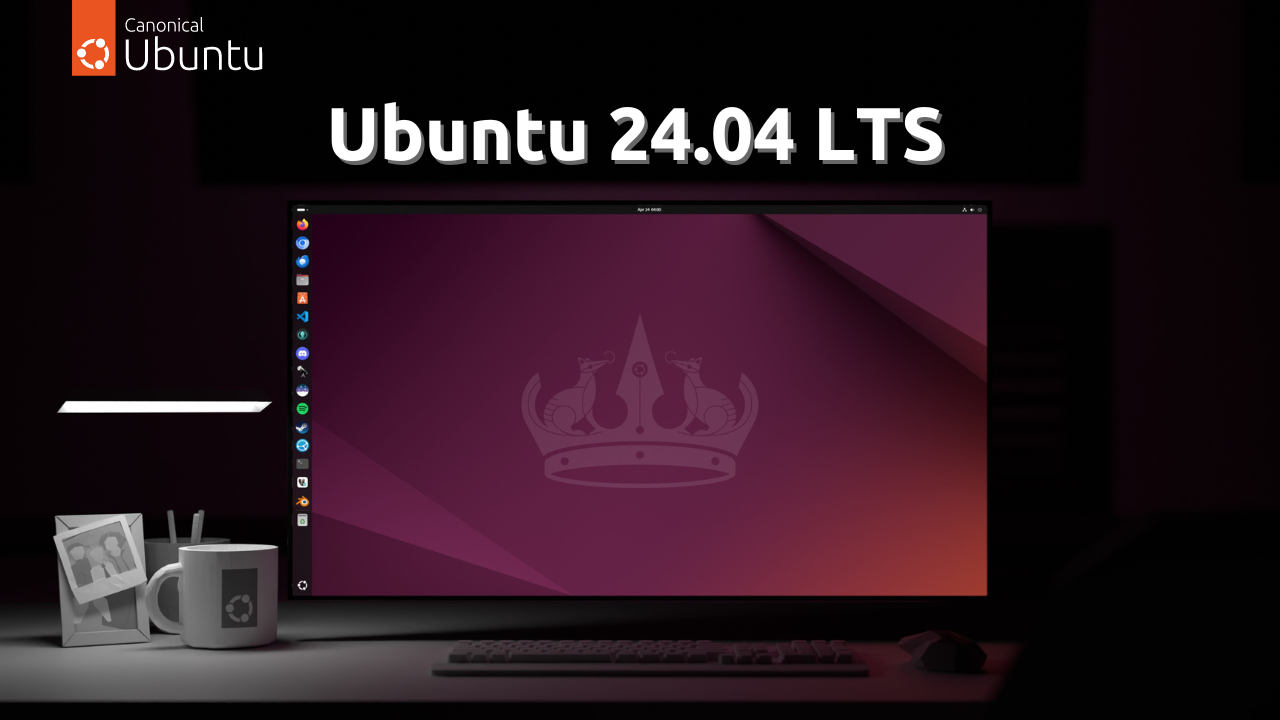
Ubuntu Desktop 24.04 LTS: Noble Numbat deep dive | Ubuntu
Learn how Ubuntu Desktop 24.04 LTS is built to empower open source developers and deliver innovation for the next 12 years.
Ubuntu
128 points · by zaikunzhang · 2y ago · 110 comments
The only change during the 16 years is that I switched from Ubuntu (with Gnome) to Xubuntu (with Xfce) [1], but I still call it Ubuntu. When people ask me about the difference between the two, I respond "color". I spend 90% of my time on the terminal, and I prefer the gray-blue style of Xfce and its lightness when I use the window system during the other 10%.
Before starting Linux, I had a very limited idea about what a computer is and how it works. An anecdote I often relate to my students is that I once copied the icon of an application (Turbo C) from one computer to another, believing that I could use the application on the second computer. Linux has taught me what a computer really is.
An "achievement" may be worth mentioning: in the past 16 years, essentially all my work as an applied mathematician has been typed under terminal using Vim, including papers, lecture notes, slides, programs, and particularly my 200-page PhD thesis in Chinese. It was not quite trivial to type Chinese in Vim --- think about it: how to get a Chinese inputting system that can work seamlessly with Vim's key bindings? Fcitx would not work (at least it was the case 13 years ago).
[1] Xubuntu 24.04 released! https://xubuntu.org/news/xubuntu-24-04-released
Interestingly, as I understood it, when a release such as Xubuntu goes out of support it does not stop getting updates that are not specific to that respective flavor, so in a way you still have some indirect support, but feels a bit like a gamble.
Over the years, I have developed my notes and scripts to configure quickly a newly installed Xubuntu system on a new computer, so that everything works in the same way as on my old computer. Since I stick with the same brand of laptop (Thinkpad X1 Carbon), I do not feel any difference after the configuration, except that the computer becomes more powerful. I do not want to spend my time on adapting myself to a new system or a new computer.
Buying a new laptop so frequently may sound a bit expensive. It is indeed not if you spend so much time on your laptop as me. A more powerful laptop means that I can finish my work (e.g., numerical experiments) in (much) less time. In this sense, my life is prolonged. This is the only case I know that a common person can effectively trade an affordable amount of money for a longer life, as I often tell my students.
Obviously I know there are business cases for this sort of stuff and whatnot generally, but as a kid first learning what LTS meant, I've always appreciated Ubuntu for this.
However, it is the only distro that came very close to unifying the desktop, mobile, server and embedded application spaces. In a way it greatly impacted how people approached designs, as the classic heterogeneous build circus approaches often became a trivial role assignment.
It takes a bit of work to get the current builds "usable", but the FOSS curse now tightly couples release cycles to specific application compatibility versions. Or put another way... everything is perpetually Beta eventually, or becomes a statically linked abomination. This is the very real consequence of the second system effect: https://en.wikipedia.org/wiki/Second-system_effect
At least they haven't jammed an AI search indexing snitch into their interface... yet...
Cheers =)
I was also surprised how little difference "default selection" and "extended selection" makes in disk space usage - "extended" is taking up only 1GB more of disk space.
Sometimes I only have small USB2.0 flash drives. I can't fit a full-fat installer on there, and even if I could, my network connection is much faster anyway.
Hell, installers don't even do on-the-fly updates anymore. You install whatever stale packages are in your install media then go through the process of re-downloading and updating every package anyway.
An offline installer makes obvious sense, but in this modern age, an online installer is superior in every way.
Ubuntu still has netinstall available as an option, it's ~80MB.
I do sometimes (even have one of those tall containers full of empty DVDs :-P) but not for installing Linux - i haven't tried it but i think even an old Pentium III machine i have around here could install Linux from USB.
(speaking as someone with a big pile of CD-Rs in the attic, most of which have some forms of corruption on them)
I'd love to see a standard like M-Disc in mainstream use. The problem is optical has not kept up with magnetic. M-Disc is about $100 for 100GB. In contrast, I bought a 20TB HDD for ≈$200-300, so about $10/TB, so 100x cheaper. It's as cheap to buy a HDD every year and make a full copy for a century as it is to buy M-Disc.
I don't think that's fundamental, so much as economies-of-scale. Optical should be cheaper per density, more stable, and write-only, but CD was invented in 1982, DVD in the nineties, and we've only made limited progress since then. HDD were on a rapid growth curve until SSDs came in. Today, SSDs are on the growth curve, and I expect will eventually be cheaper than magnetic or optical.
If either God or physics want it, they already have root.
This gave me issues with my vscode devcontainer setup. You can see my work around here https://github.com/DontShaveTheYak/cf2tf/pull/288/files
> Ubuntu's Active Directory (AD) Group Policy client, available via Ubuntu Pro, now supports enterprise proxy configuration, privilege management, and remote script execution. It also continues to support AD Group Policy Objects.
make a small step towards more adoption of Linux at work?
From my perspective, having just those two - "Privilege management and the ability to remove local admin accounts" and "Remote script execution" [0] open the gates to consider Ubuntu for wider adoption by orgs.
On 22.04 scaled desktops caused certain apps, such as Obsidian, to be blurry.
https://forum.obsidian.md/t/please-ugrade-to-the-newest-elec...
168 points, 158 comments
Apparently, the upgrade path isn't quite ready yet. If you're installing now, do a fresh install.
1.) config file locations end up all over the place depending on which you use. I like taking my .thunderbird data and just dropping it from one system to the next as one example. Snap makes that harder. Likewise for firefox - the snap version is behind as well.
2.) It solves a problem already long since solved in linux systems - package management. You still need APT or what ever the distro is built with. Two systems solving the same problem often seems like one cook too many. Hell even homebrew in macos is a pain.
It's getting embarrassing that every other mobile and desktop OS has no problem doing this but not Ubuntu.
You can't work around the fundamental limitations of Bluetooth protocols like A2DP without cheating and using another microphone somewhere else. You can't use the headset mic when receiving high quality A2DP audio, ever, no matter how hard you try. It is a limitation of the Bluetooth standard.
When you switch the device into headset mode the quality turns to potato because it uses bidirectional audio codecs from the stone age in HFP/HSP mode with mSBC or (god help us all) CVSD.
> It’s because of the limited bandwidth in Bluetooth that it has to lower the audio quality
It's not a bandwidth limitation. According to google A2DP supports up to 728kbit/s, but SBC (the default codec) only goes up to around 300. Clearly there's enough bandwidth for mid quality input and output streams.
The aptX codec allows for CD-quality audio over Bluetooth:
* https://www.qualcomm.com/news/releases/2021/09/qualcomm-adds...
* https://en.wikipedia.org/wiki/AptX
Comparison of three in-ear monitors (IEMs):
Windows is the worst of the worst, but every Linux distro I've tried works great and actually supports every feature of Bluetooth. Unlike Windows, who only implements the barest of minimums, and about half of those features just don't work.
I’m looking to do something like autoinstall for my office but is there an easier way have my employees do their own thumb drive (remote users) and get the config they need from me? I’m looking for an MDM Intune like enrollment that’s easier and configured it a certain way. I’m not in a position to use and manage Puppet.
For long term management/enrollment you'd need to look at something beyond just putting stuff on the installer USB/ISO. Ubuntu has Landscape for this but there are some alternatives. Just depends on what you need to manage long term and what you can realistically do (e.g. you note you aren't in a spot to manage something like Puppet).
Deploy a gpg signed public script to periodically download and install updates from a public server. i.e. anyone that has to update knows the package is from you, and the machine role is pre-defined by you with a config file in "/etc/example/myhost.conf". If secrecy is required, than publish host specific encrypted public payloads named for their primary interface MAC.
This is how to handle clowns pulling drives in colocation data-centers.
Cheers =)
The foundation is way better than any other OS, so if they just keep improving the UI/UX then it would be a dream to use.
Bad hardware = hardware by vendors who intentionally or unintentionally design it with only windows in mind.
Of course end users think Linux doesn't support that hardware, when reality is that the device manufacturers don't support Linux.
I probably shouldn't say that but I have been daily driving Ubuntu for about 10 years. There are certainly 'rough' edges but anyone technical should be comfortable getting it done.
Increasingly I think Windows is an self-driving automatic car where Ubuntu is a manual car that you have to drive. Sure, you'll have to bang around under the hood occasionally but if your job is working on cars, it shouldn't be a problem.
The common refrain of Bluetooth not working is completely gone in my opinion. I haven't had to mess with BT since I put a BT dongle in and installed Blueman. My current issue is that if I boot into the most recent kernel, my Wifi doesn't work. No problem, just boot into the last kernel. I am going to guess the wifi thing is probably my fault because I _abuse_ my installation with all kinds of weird things. Again, it's a manual car that lets you bang around under the hood.
I have seen others work on Windows and it is astonishing to me how often their development environments break. I have to get on calls with them and try to step them through how to fix their environment because a) windows sucks b) it's an 'automatic car' that doesn't want you banging around under the hood, it actively tries to stop you c) it doesn't use a sh shell language so you have to specifically cater to it
It's a very different default experience now.
While I have fond memories of the earlier releases of Ubuntu, the more modern releases have been pretty much unusable for me any time I've tried them, unless I redo the default desktop environment with something sensible. Snap certainly hasn't helped the overall usability, either. Having to make so many changes pretty much defeats the purpose of using a distro in the first place.
I've also helped several non-technical and semi-technical macOS and/or Windows users who've wanted to try Linux. The ones who wanted to try Ubuntu first ended up much happier when I eventually introduced them to KDE running on X.
I use i3-wm. I think the default UI is definitely Windows-esque with all the menus and the clunkiness.
I still haven't made the 'power user' jump to another distro like many friends and colleagues have prodded me about, hah.
It was one of the first pieces of mail that I received personally and it felt like Christmas.