Run Ubo App on Pi 4/5 - no additional hardware needed | Details | Hackaday.io
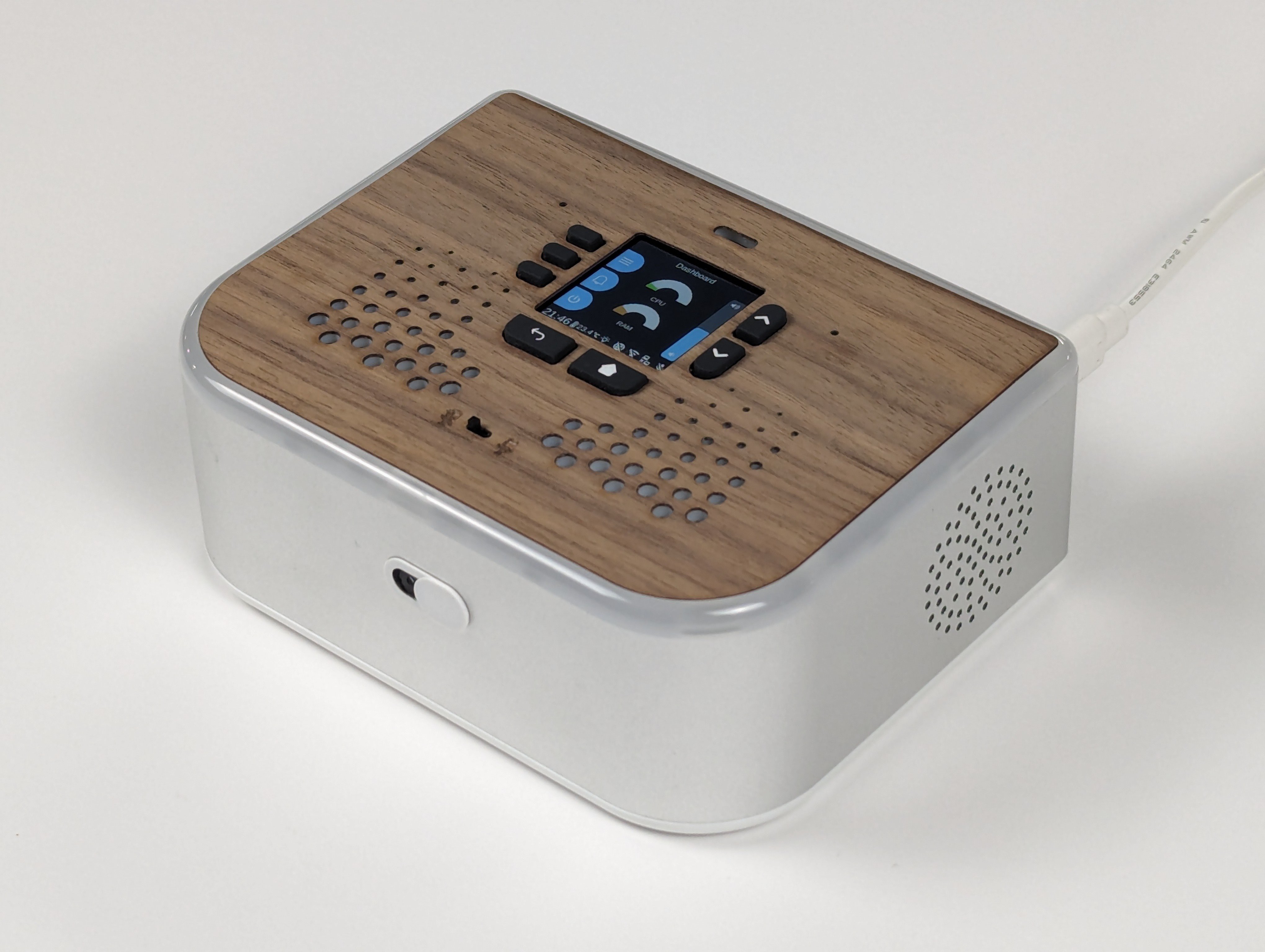
<h2>What does it do?</h2> <h2></h2> <p>Ubo app: </p> <ol><li>offers a GUI (shown inside browser or hardware) to control your Raspberry Pi and Linux utilities. </li><li>helps with setting up WiFi even if your credentials change after initial setup.</li><li>gives your Pi virtual speakers, (and soon) microphones, and camera. That means, you can play audio on Pi without any audio hardware and hear the audio out of your phone/laptop speakers (virtual speakers). Same for mics and camera. </li><li>lets you set up remote access (RPi Connect and VSCode Tunnel) using the GUI and configure different system/app settings, install Dockerized applications, etc.</li></ol> <p>Here's a quick example of installing a Dockerized app (e.g. Jupyter Notebook) in a few seconds:</p> <div class="video-container"><iframe width="500" height="281" src="//www.youtube.com/embed/wQEYU_t1mk4" frameborder="0" allowfullscreen></iframe></div> <p>It also offers a language agnostic API that you can communicate with from any programming language. </p> <p>For example, with a few lines of code, you can show error messages or notifications on LCD screen, or get input from user with keypad (such as yes/no prompt), scan barcode, etc. </p> <p>Here's an example in <a href="https://github.com/ubopod/ubo-grpc-clients/blob/main/nodejs/ts-proto/client.ts" target="_blank">typescript</a>. </p> <figure><img class="lazy" data-src="https://cdn.hackaday.io/images/2047201749021229164.png"></figure> <h2>Why should I care?</h2> <p>You can easily run this on your Raspberry Pi and make it portable and easier to use for self-hosting apps or development. Specially if your application requires audio, video, user interaction, sensor readings, etc. </p> <p>If you
hackaday.io