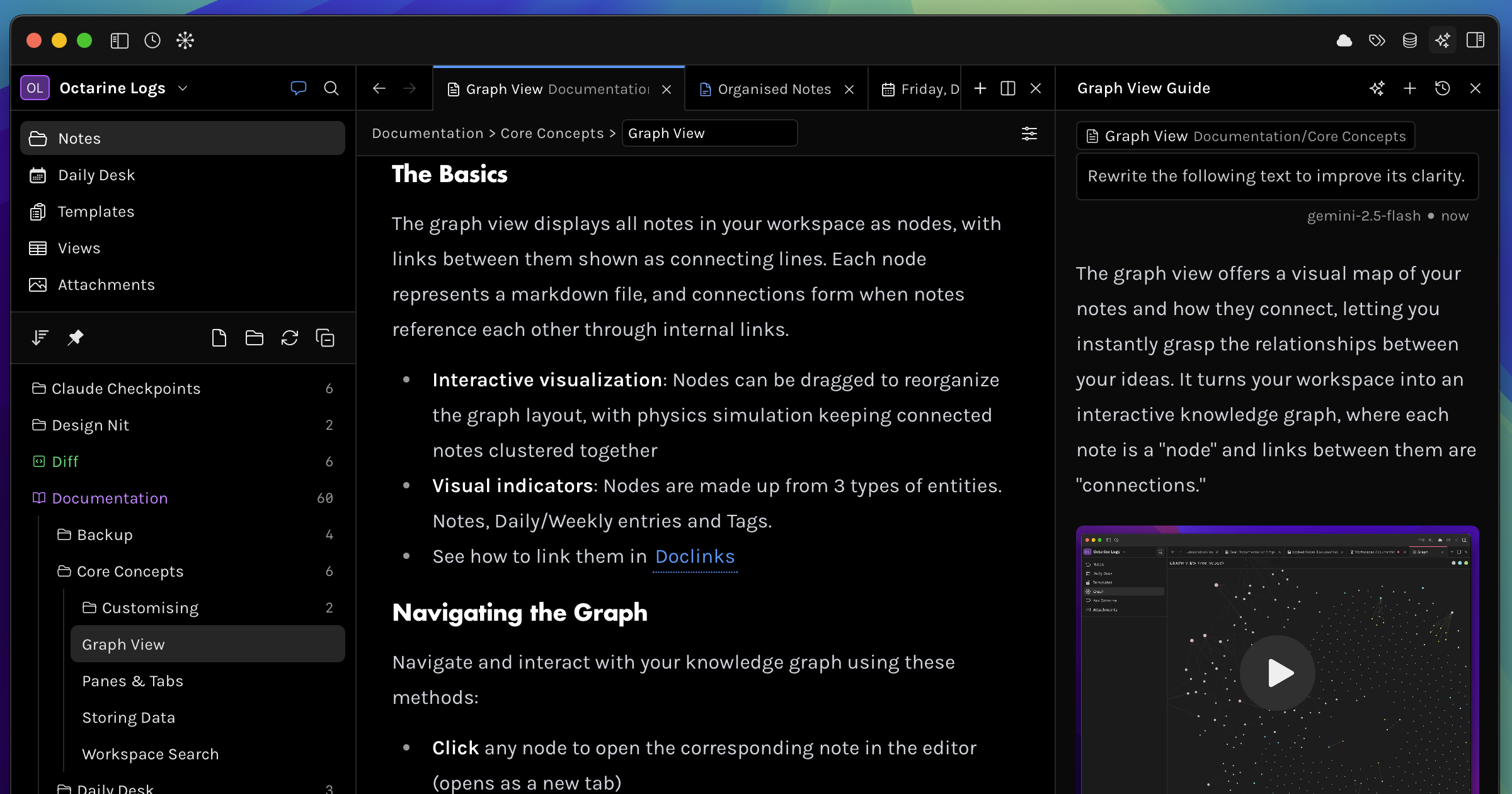
Octarine - Private Markdown notes, writing, and tasks
Private, markdown-based note-taking app with a focus on speed, simplicity and data ownership. Write faster, think clearer.
Octarine
44 points · by rajatkulk · 1y ago · 20 comments
- Lightweight (< 30MB, fast to launch, no Electron bloat).
- Opinionated (good defaults, clean UI, not a plugin bazaar).
- Yours (all plain Markdown, nothing proprietary).
---
- Command bar (Cmd/Ctrl+K) to navigate and run commands quickly.
- WYSIWYG editor (rich text without live preview jumping).
- Git sync built-in — backups to GitHub/GitLab, no plugins.
- Natural language dates (“yesterday”, “last week”).
- Multiple workspaces, templates, tags, graph view.
- Backup anywhere — iCloud, Dropbox, Syncthing.
- Tabs & Panes — split and rearrange notes/graphs like a code editor.
*Pro Features*
- BYOK for over 9 AI providers including OpenAI, Anthropic, Perplexity, Gemini and more!
- Ask Octarine — chat with your notes (RAG, embeddings done on-device).
- Writing Assistant — Sidebar assistant to help rewrite, improve or create.
- Focus Mode — distraction-free, sentence spotlight.
- Customisation — 30+ fresh themes, different paper types.
- Locked Notes — Disallow a note from editing.
- Folder Customisations — Add icons/colors to folders, have them manage their own unique sorting.
*FAQ*
- Free plan gets updates forever; some features are Pro.
- Pro is a one-time license (no yearly “updates tax”).
- Over 130+ releases shipped.
- iOS app is in development.
- Overlaps with Obsidian, but follows different methodologies about having less but baked in features, over an extensible plugin system (each work for different users)
---
Try it: [octarine.app](http://octarine.app)
Changelog: [octarine.app/changelog](https://octarine.app/changelog)
Documentation: [docs.octarine.app](https://docs.octarine.app)
I’d love your feedback - what works, what feels off, what’s missing? Always open to ideas (and criticism).
All the best and keep up the good work
I predict you HUGE success!
Thanks for your work.
Lot's of things planned while aiming to keep the lightweight and opionionated philosophy!
What's the best place to submit issues, feature requests, etc?
Something I use on Obsidian is my own CSS as a theme (to override default editor styling). I see themes is a feature of Octarine. Will users be allowed to set their own CSS as a "custom theme"?
1. Discord (https://octarine.app/discord)
2. Github (http://octarine.app/issues)
Currently the app supports 33 themes (3 free, 30 on the pro license). There's an item on the roadmap that would allow you to create your own themes (each theme is a palette of 10-12 variables - border/bg/text/outline)
Hope you like the app :)
Incredibly sorry to sound so negative, but nothing about this seems legitimate to me and I would never trust any of my files to this application.
If an fps counter makes an app seem illegitimate to you, and the countless changelog, user testimonials don’t help, then nothing I say will convince you otherwise, so I’m not going to waste either of our times :)
Currently keymaps aren't modifiable, but there's an item on the roadmap to change hotkeys.
I've had a report before where they keyboard layout messes up, for Z & Y. `Cmd + Y` is Recently viewed while `Z` does undo
Since find/replace works fine for the current use case (even if not optimal)
The use case is far too niche to move engineering efforts to immediately, so it'll be prioritised when either:
- the ask quantity increases.
- when an adjacent part of the code is being improved/fixed and this could be tacked upon in the same release.
Thanks for the suggestion!