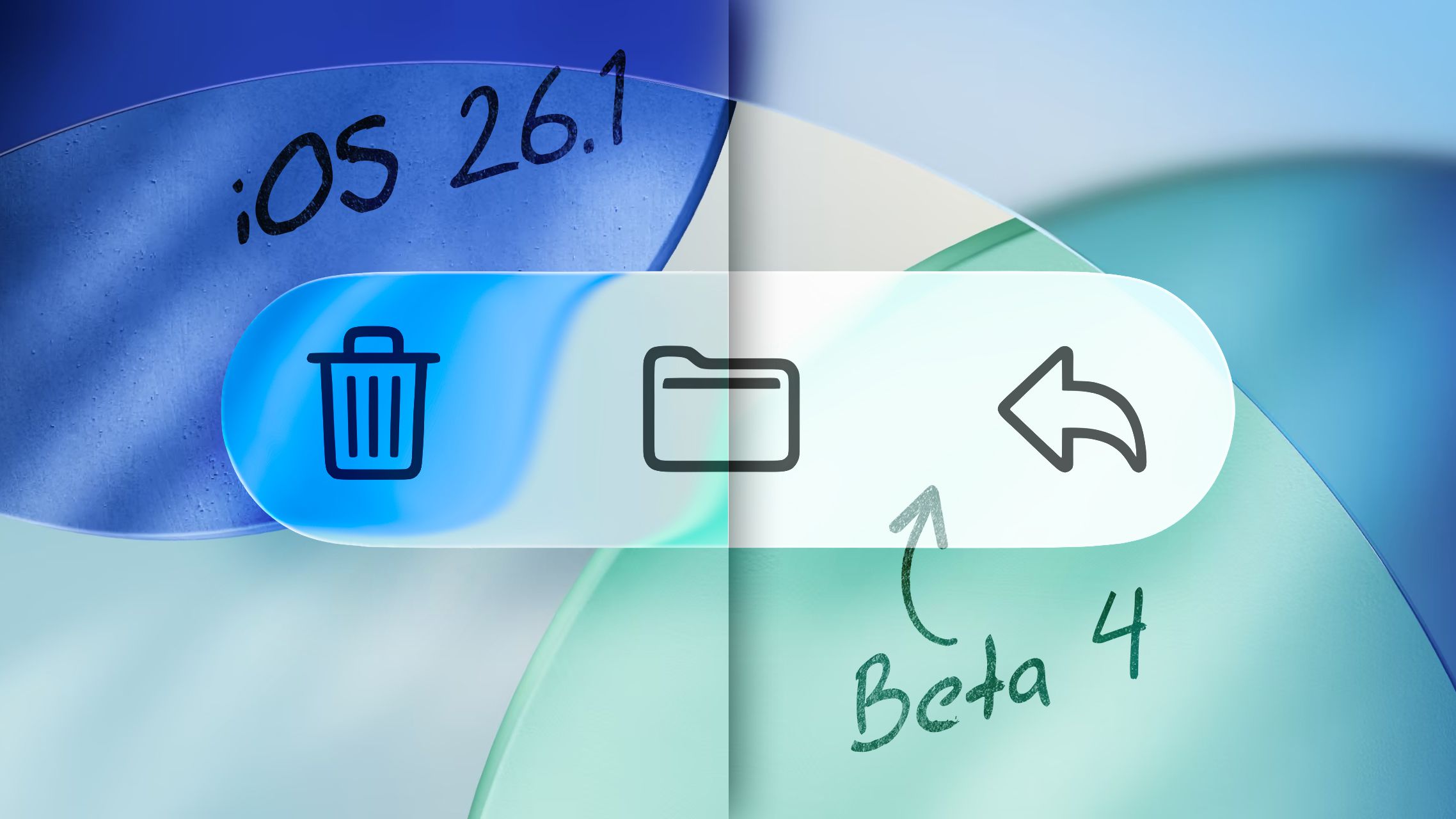
Here's How the iOS 26.1 Transparency Toggle Changes Liquid Glass
With the fourth beta of iOS 26.1, Apple added a toggle that makes Liquid Glass more opaque and reduces transparency. We tested the beta to see where the toggle works and what it looks like. Subscribe to the MacRumors YouTube channel for more videos. If you have the latest iOS 26.1 beta, you can go to Settings > Display and Brightness to get to the new option. Tap on Liquid Glass, then choose "Tinted".
MacRumors